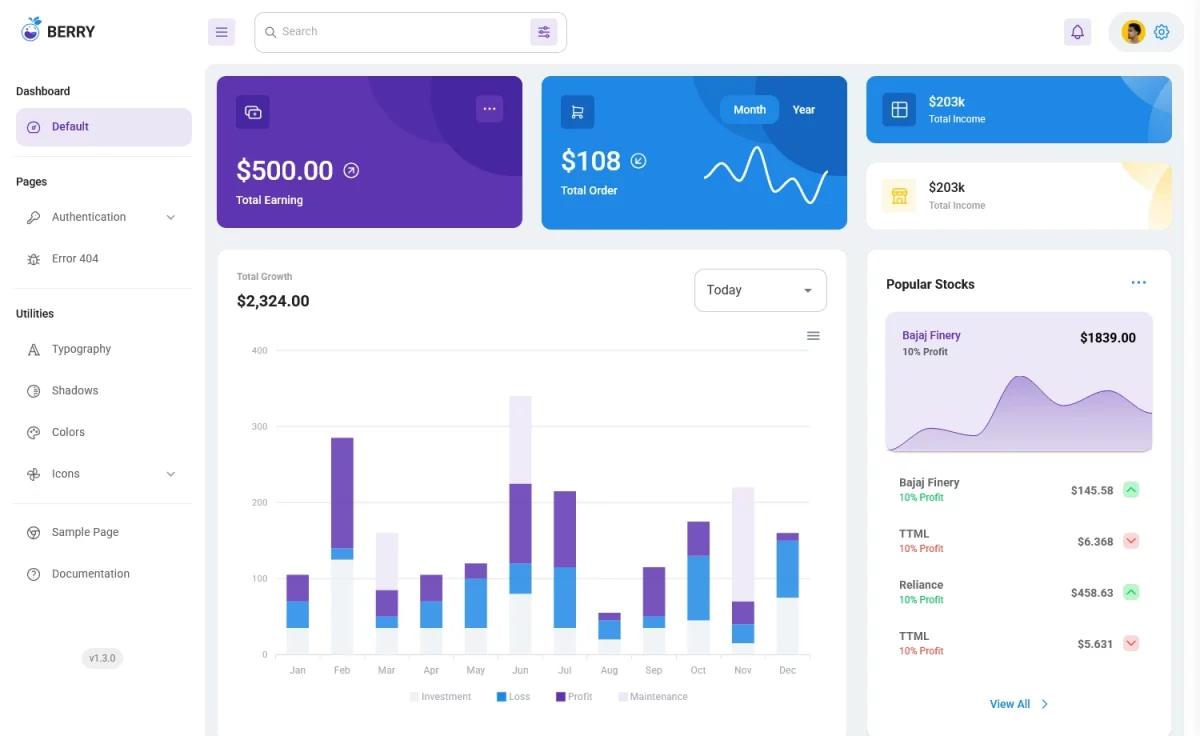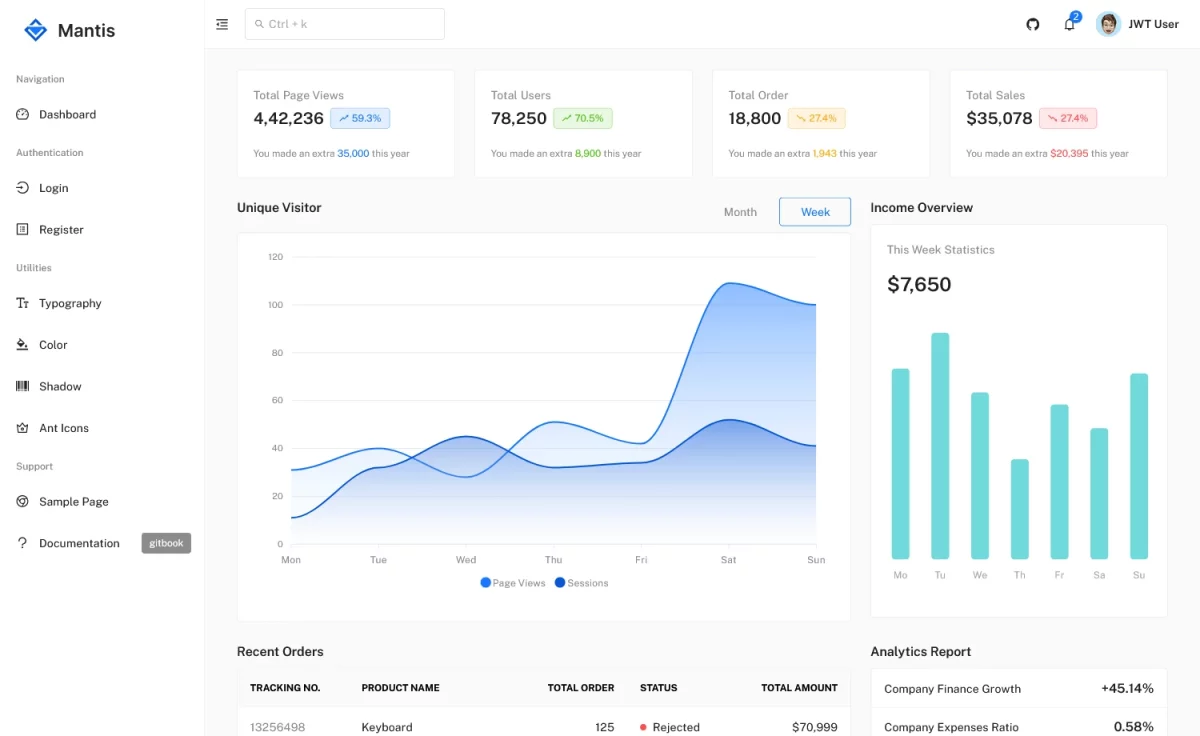
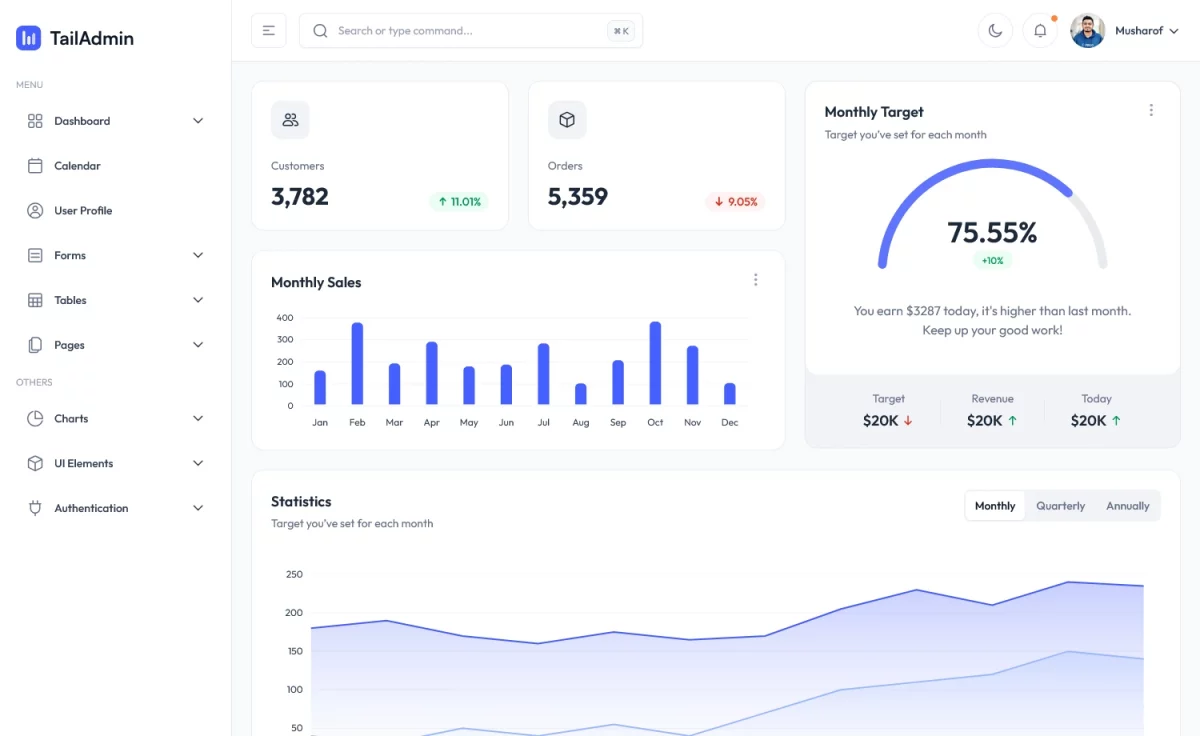
Free Tailwind Admin Template is a meticulously designed admin dashboard template with a clean codebase. The free template has a modular design, ensuring comprehensive data monitoring. It is a developer-friendly theme that offers easy customization, allowing you to tweak your design goal flawlessly. It is also a page-speed-optimized theme that loads faster with reduced bounce rates. Besides, it is a cross-browser compatible theme and runs smoothly across all available browsers. Additionally, the SEO-friendly theme helps get a higher ranking in search results.
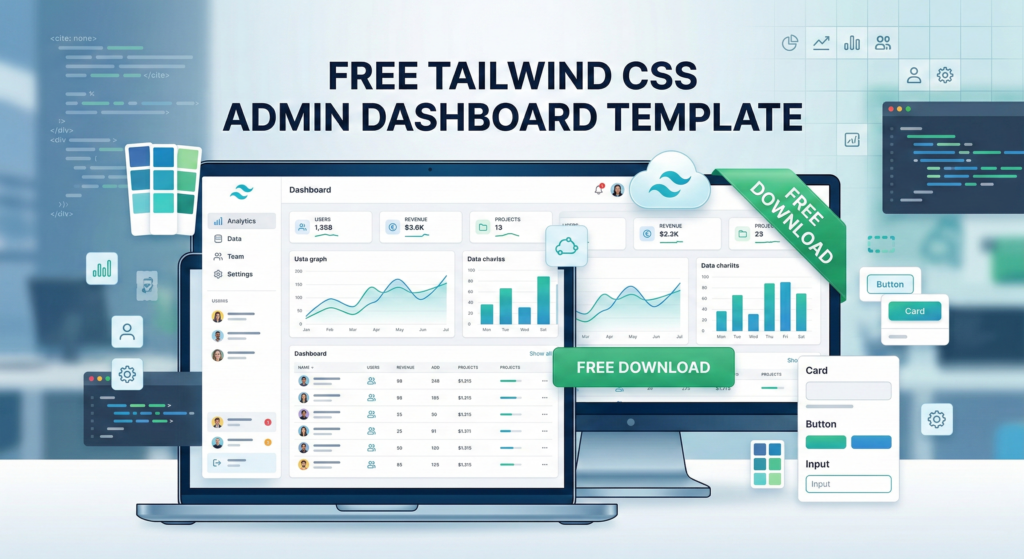
Free Tailwind CSS Admin Dashboard Template
Moreover, TailAdmin has an intuitive layout, built using Tailwind CSS. It has a multipage design, offering an extensive user experience. It includes several responsive UIs for exclusive data visualization, enhancing user engagement. The minimal design has a search filter, a side navigation bar, a burger menu, a dropdown menu bar, social media icons, two authentication pages, a 404 page, light and dark modes, and more. Furthermore, the mobile-friendly theme provides complete responsiveness regardless of screen size.
Key Features
- Search Filter
- Breadcrumbs
- Dashboard
- Pagination UI
- Tabbed Contents
- Blog Section
- Side Navigation Bar
- Mobile-first Design
- Authentication Page
- Dropdown Menu Bar
- Page-Speed-Optimized
- 100% Responsive
- Clean Codebase
- SEO-Friendly
- Multipage Design
- Multipurpose Theme
- 404 Page
- Developer-Friendly
- Social Media Icons
- Call-to-Action Buttons
- Cross-Browser-Compatible
In The Box
- 5+ Pre-built Pages
- All Demo Images
- Library & Plugins
Library & Plugins
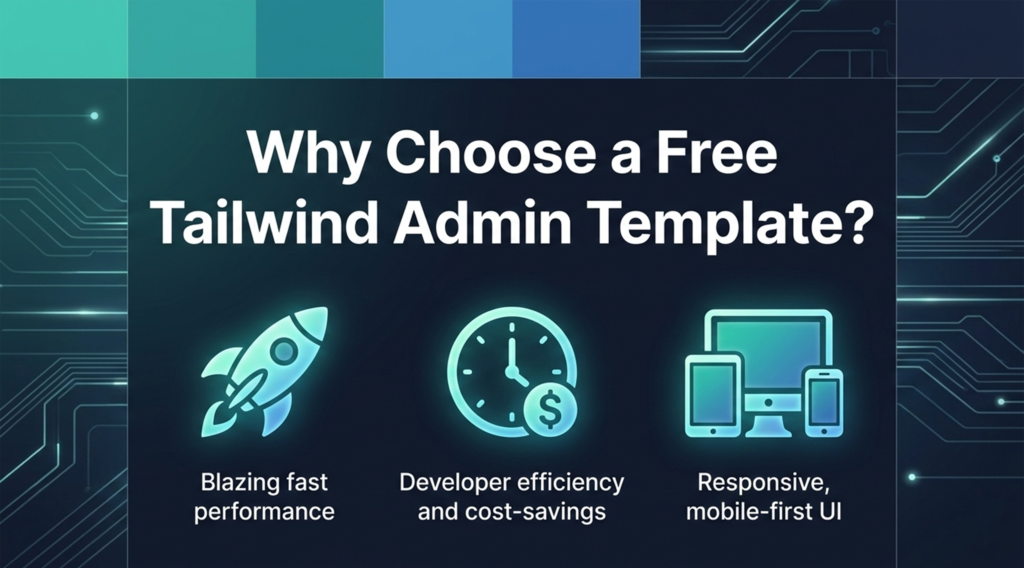
Why Choose a Free Tailwind Admin Template?
Tailwind CSS has completely transformed how modern web applications are designed. By utilizing a utility-first approach, developers can style interfaces directly within their HTML, eliminating the need to write bloated, custom CSS files. When you start your project with a high-quality Free Tailwind Admin Template, you save countless hours of development time and ensure your backend is optimized for speed.
The TailAdmin template provides everything you need right out of the box. Instead of building complex components from scratch, you gain access to ready-to-use data tables, interactive charts, and beautifully styled navigation bars. Because it is built with clean code and modern standards, your dashboard will load incredibly fast, ensuring a smooth experience for your users and excellent Core Web Vitals scores.
Frequently Asked Questions (FAQ)
Do I need advanced Tailwind knowledge to use this template?
No, you do not need to be an expert! While knowing the basics of Tailwind utility classes is helpful, the TailAdmin codebase is highly intuitive. You can easily copy, paste, and adjust the pre-built components to fit your specific data requirements.
Is this template fully responsive for mobile users?
Yes. This Free Tailwind Admin Template is designed with a mobile-first philosophy. Whether your clients are viewing analytics on a large desktop monitor or checking stats on their smartphone, the layout will automatically adapt for a perfect viewing experience.
Can I use this for a commercial SaaS application?
Absolutely. This versatile dashboard can serve as the reliable backend foundation for SaaS platforms, e-commerce stores, CRM systems, and internal company portals. Simply connect your own APIs and database to bring the UI to life.
Take Your Development to the Next Level
There is no reason to reinvent the wheel when building your next backend interface. Download this modular, developer-friendly resource today and accelerate your workflow with a beautiful, highly functional foundation.
Best Practices for Customizing Your Dashboard
After downloading this Free Tailwind Admin Template, taking a few simple steps will ensure your development process is as smooth as possible. First, familiarize yourself with the Tailwind CSS utility classes used throughout the codebase. Because this template features a highly modular design, you can easily copy and paste specific components—like the analytics charts, data tables, and navigation bars—directly into your existing projects.
Furthermore, always remember to leverage the included documentation. It provides clear guidelines on how to modify the global color palette, typography, and layout configurations to perfectly match your specific brand identity. By keeping your custom code organized and utilizing the pre-built component integrations, you can launch a professional, high-performance admin panel in record time.